 Friction Tamer
See the space hogs
Sort folders and files by size, see percentages and drill straight into the biggest branch.
Scan a folder or drive, follow the biggest items, search saved locations with Ctrl+Alt+F Quick Search and use Cleanup Guidance before deleting anything.
14-day Pro trial · useful Free mode afterwards · €9.99 Pro once · up to 3 devices.
Sort folders and files by size, see percentages and drill straight into the biggest branch.
Pro keeps local indexes and adds Ctrl+Alt+F Quick Search across them.
Cleanup Guidance separates likely cleanup candidates from personal, app-managed and protected content.
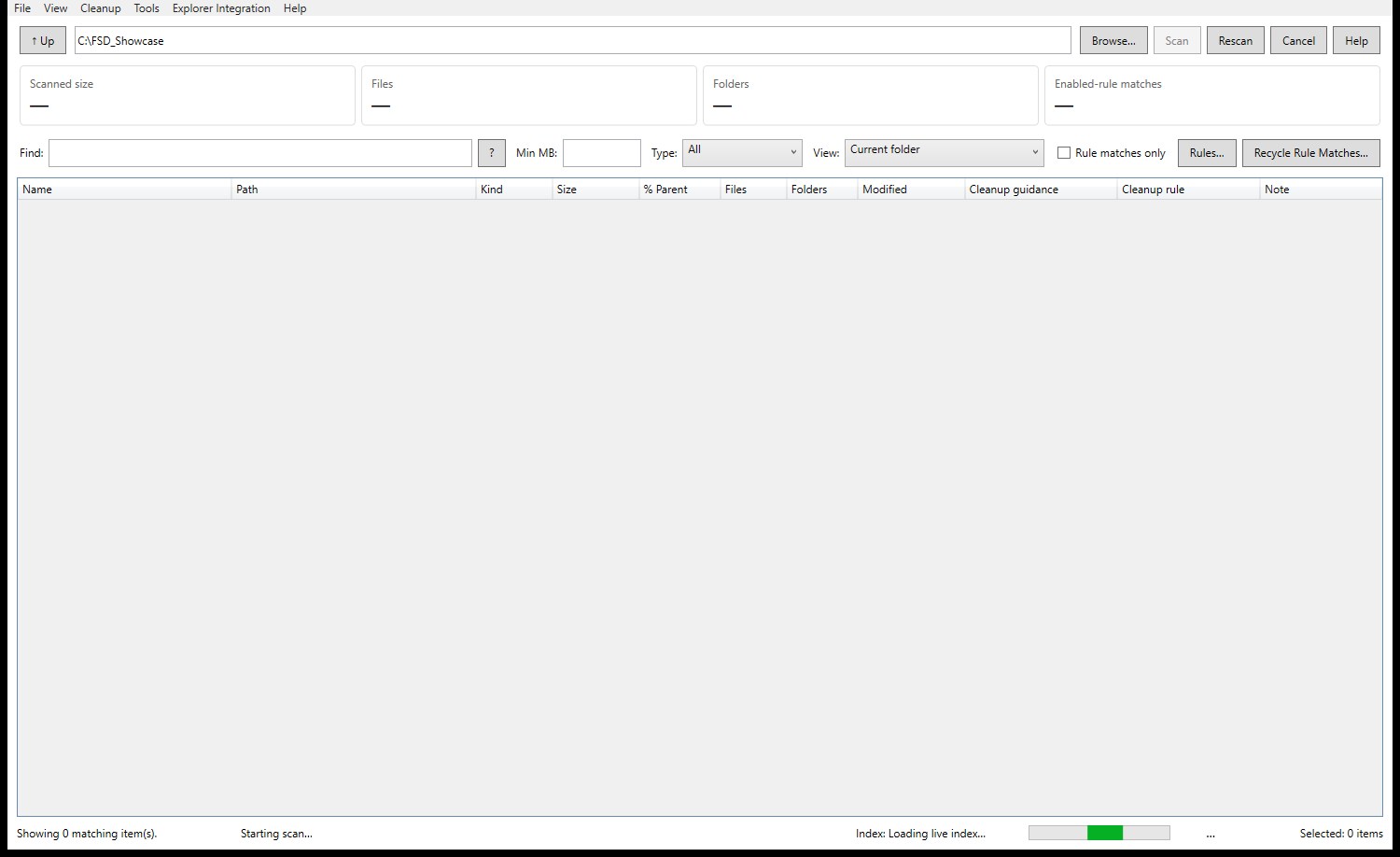
Real Folder Space Detective results. Scanning and saved indexes stay on your PC.
Scan folders and drives, drill into large items, use Storage Overview, Cleanup Guidance and standard search.
Add saved indexes, live refresh, Ctrl+Alt+F Quick Search, cleanup rules and bulk tools.
Buy Pro - €9.99 onceRecent improvements: Faster incremental Quick Search filtering, responsive filename-and-extension searches, and reliable pasted Windows path searches. Matching results narrow immediately while the indexes continue checking for missing files.
Public package: FolderSpaceDetective_v1.1.30_win-x64.zip · 66,009,115 bytes
SHA-256: 1922309bee107e76bd98e783d39a81e89862ce5a4237768a4e1b5d0ceda76a93
Your scanned file names, paths and indexes stay on your PC. Windows-managed files and protected locations are blocked from direct cleanup through FSD; supported cleanup uses the Recycle Bin by default.